
Ideas for better growth
How to Add a Portfolio to Your Website
Chris Content · · 4 min read

Show work that wins enquiries: which projects to include, what context each needs, how to filter a growing archive, and where to put the enquiry action.
A portfolio has one job: convince a stranger that you have solved a problem like theirs. Most portfolios do not do this. They show a grid of attractive images with no context, so the visitor cannot tell whether the work was a two-week job or a two-year one, or whether it worked.
This guide covers how to build a portfolio that produces enquiries rather than compliments.
Step 1: Choose projects by what they prove
Do not publish everything. Choose projects that collectively cover:
- The types of work you actually want more of
- The industries your best clients come from
- The budget bands you want to attract
- The constraints you handle well - tight timelines, heritage buildings, regulated categories
If you want more of a certain kind of work, your portfolio must contain examples of it. A portfolio full of small jobs attracts small jobs.
Six well-documented projects beat thirty thumbnails.
Step 2: Give each project real context
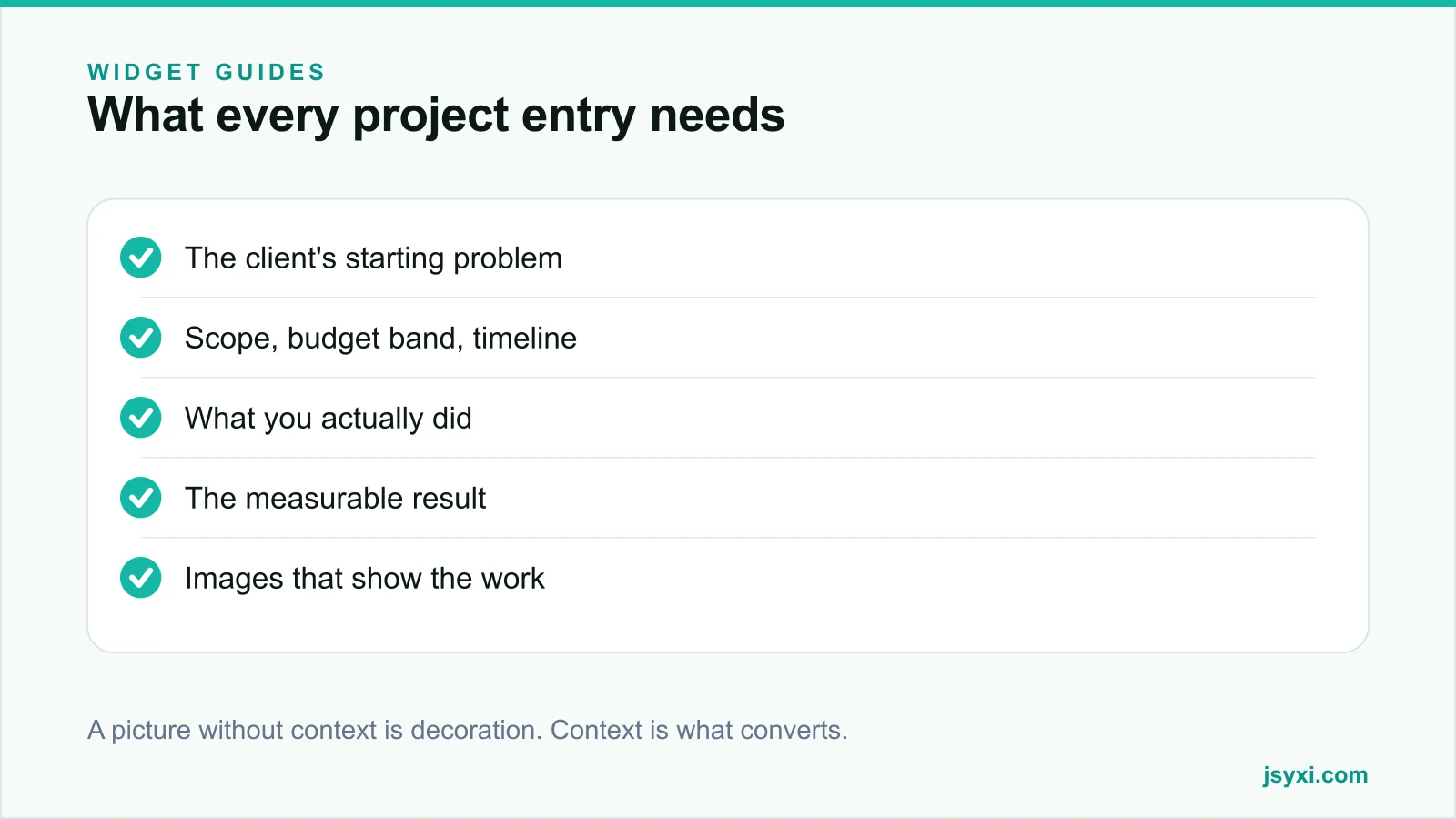
An image shows what it looks like. The context shows whether you can do it again. Each entry needs:
- The starting problem in the client's words where possible
- Scope - what was and was not included
- Constraints - budget band, timeline, site conditions, technical limits
- What you did, specifically, not "we delivered a solution"
- The result, measured if you can measure it
- Duration, because timeline is a real buying question
If a client will not let you name them, describe them generically - "a 40-seat cafe in a heritage building" - and say why the name is withheld.
Step 3: Photograph the work properly
- Shoot the finished work in good light, from angles that show scale
- Include detail shots of the parts that took skill
- Include a before image where the transformation is the point - see our before and after guide
- Keep aspect ratios consistent so the grid does not look ragged
- Compress and size the images properly; a portfolio page is the easiest page to make slow
Our image optimization guide covers the workflow.
Step 4: Make the archive filterable
Once you pass about a dozen projects, visitors need to narrow. The Portfolio widget gives you a filterable grid with a detail view for each project.
Filter by the dimensions clients actually think in:
- Type of work
- Industry or property type
- Scale or budget band
- Location, if you work regionally
Avoid filters nobody uses. Three good filters beat eight vanity ones. Always show a result count and a way to clear filters.
Step 5: Put the enquiry action where conviction peaks
A visitor who has just read a project that resembles their own is as close to enquiring as they will get. Do not make them navigate to a contact page.
- Put a short enquiry action at the end of every project detail view
- Pre-fill the project name so the conversation starts with context
- Offer an alternative channel such as WhatsApp for quick questions
- Use the Form Builder widget so the enquiry lands in your lead queue with its source attached
See our lead capture best practices for how short that form should be.
Step 6: Support the portfolio with proof
Each project becomes stronger next to:
- A quote from that client, with a real name and role
- A logo showcase of clients you can name
- A timeline of company milestones for credibility
- A named team, so the visitor knows who would do the work
Step 7: Keep it current
- Add projects while the details are fresh, not annually
- Retire work that no longer represents your standard
- Update results where you have follow-up data
- Check that every image still loads and every client permission still stands
A portfolio whose newest project is three years old suggests you have not worked since.
Common mistakes to avoid
- Images with no context. The visitor cannot judge relevance.
- Everything you have ever done. It dilutes the work you want more of.
- Unnamed, undated projects. They read as stock photography.
- No enquiry route from the project page. Conviction fades on the way to the contact page.
- Huge unoptimised images. Portfolio pages are the slowest pages on most agency sites.
Frequently asked questions
How many projects should a portfolio show?
Six to twelve well-documented projects for most service businesses. Beyond that, add filters so visitors can find work like theirs rather than scrolling an archive.
What should each portfolio entry include?
The starting problem, scope and constraints, what you did, the result, the duration, and images that show the finished work. Context is what turns a picture into evidence.
Can I show work if the client will not be named?
Yes. Describe the client generically, state why the name is withheld, and keep every other detail accurate. Never imply a named client approved something they did not.
Where should the enquiry form go on a portfolio?
At the end of each project detail view, pre-filled with the project name. That is the moment a visitor is most convinced you can do their job.
Next steps
Pick the six projects that best represent the work you want more of, write the context for each, and publish them with the Portfolio widget with an enquiry action on every entry.
Start free and turn your work into enquiries.