
Ideas for better growth
Lead Capture Form Best Practices
Chris Content · · 5 min read

How many fields, which fields, where to place the form, what to promise, and how to avoid collecting a list of people who will never become customers.
Lead capture is usually optimised for the wrong number. Teams count submissions, so they gate more content and add more fields, and end up with a larger list of people who will never buy and a sales team that stops trusting the queue.
The number worth optimising is qualified conversations.
Decide what a lead is before designing the form
Write down, specifically:
- What makes an enquiry worth a salesperson's time
- What information you need to route or prioritise it
- What you can find out later, in the conversation
- What happens within the first hour of a submission
Everything the form asks should be justified by that list. If nobody will use the answer, do not ask the question.
Ask for as little as possible
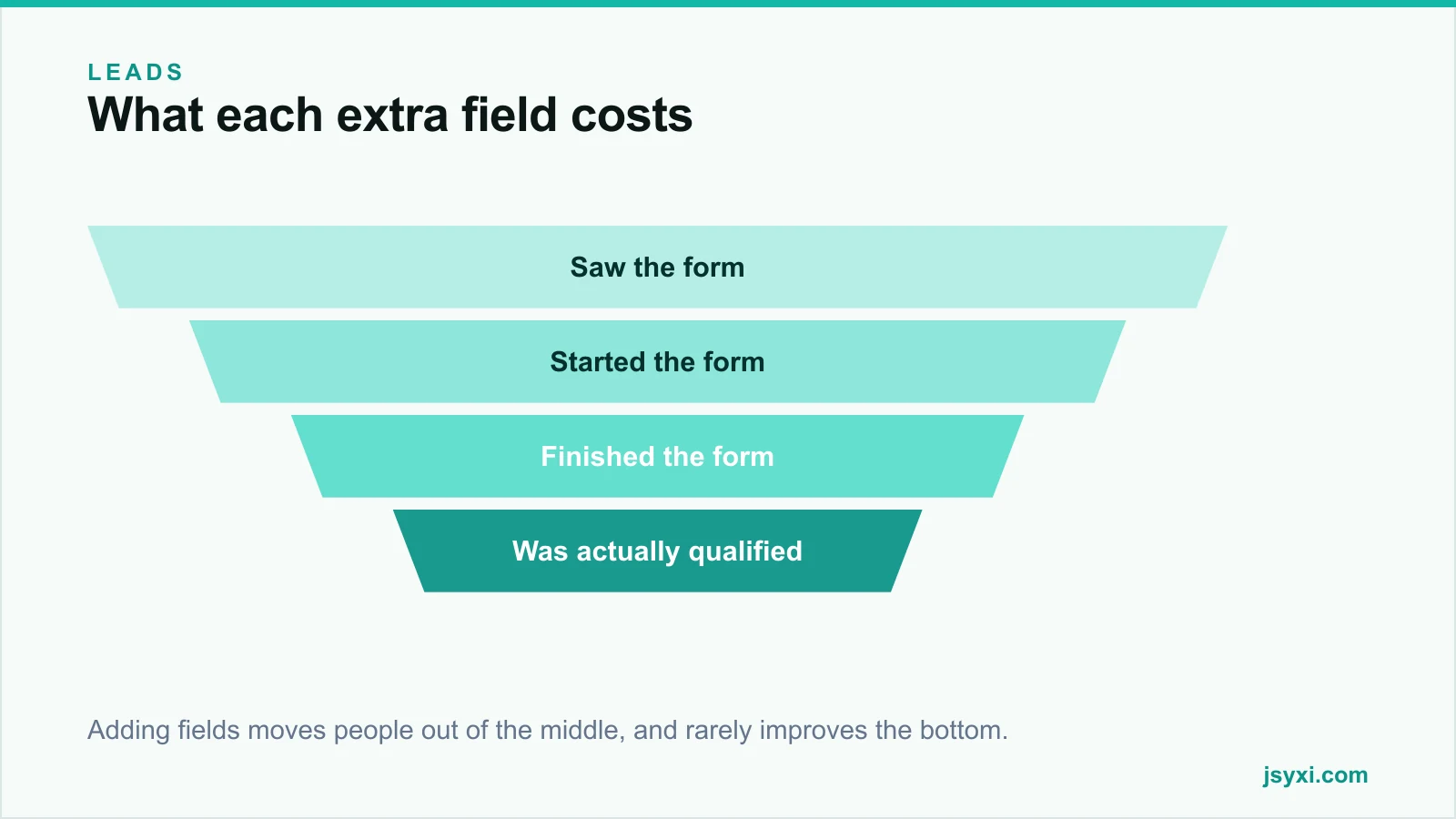
Each field costs completions. The practical minimum for a first contact:
- Name
- One contact route - the channel you will actually use
- What they need - one open text field
- One qualifier, only if it changes routing or priority
Fields that are almost always unnecessary at first contact: job title, company size, industry, "how did you hear about us", and a second phone number. Ask those in the reply, or infer them.
Match the ask to the offer
Friction should be proportional to what the visitor gets:
- Newsletter - email only
- Guide or checklist - email, or nothing at all if you would rather it spread
- Quote or estimate - name, contact, and the two or three variables that determine the quote
- Demo or consultation - name, contact, and one qualifier, because a call is a genuine commitment
Asking for a phone number in exchange for a PDF is how you build a list nobody answers.
Consider not gating at all
Gating content trades reach for contact details. Before gating, ask:
- Would this content earn links and search traffic if it were open?
- Is the audience large enough that reach matters more than a list?
- Will the captured contacts actually be followed up?
Ungated content plus a clear next step often produces fewer contacts and more customers. Our post on price calculators covers the same trade-off for pricing information.
Write the form so it can be finished
- Labels above fields, always visible
- One column, one question at a time on mobile
- Correct input types so the right keyboard appears
- Autofill support through standard field names
- Validate on blur, with errors beside the field in plain language
- Never clear entered data on error
- Accept messy formatting and clean it server-side
The Form Builder widget handles the mechanics so you can focus on which questions to ask. See our contact form guide for the full build.
Say what happens next
The most-skipped element on lead forms is the promise:
- What you will do with the details
- When they will hear back, specifically
- Who will contact them and on which channel
- How to opt out
"We will reply within one working day by email" outperforms "Submit" plus silence. It also sets an expectation your team then has to meet, which is the point.
Place the form where the intent is
- Inline on service and pricing pages, at the point the visitor has decided
- At the end of a relevant article, tied to that article's topic
- As a step after a calculator or configurator, with the inputs attached
- Never as an immediate popup on arrival
Give the form its own visual space. A form squeezed into a footer converts like a footer.
Offer an alternative channel
Some people will never fill a form. Offer:
- A WhatsApp route for quick questions
- A phone number for urgent or high-value enquiries
- A calendar link where a call is the natural next step
Let the visitor choose the channel they trust. Our WhatsApp playbook covers how to run that channel properly.
Handle consent honestly
- Do not pre-tick marketing consent boxes
- Separate the transactional reply from marketing permission
- Explain what you will send and how often
- Make unsubscribing genuinely easy
See our privacy compliance guide for the wider obligations.
Measure the right things
Track the whole chain, not the top of it:
- Form views, starts, and completions
- Field-level abandonment - which question loses people
- Qualification rate of submissions
- Conversion from lead to customer, by source
- Time to first response
If completions rise and qualified conversations fall, the change made things worse regardless of what the submission count says.
Common mistakes to avoid
- Adding fields to "qualify" leads. It removes good leads more than bad ones.
- No response-time promise. It costs nothing and improves both trust and internal discipline.
- Gating everything. Reach has value too.
- One shared inbox with no owner. Enquiries die there.
- Counting submissions as success. Count qualified conversations.
Frequently asked questions
How many fields should a lead capture form have?
Three to five for a first contact. Name, one contact route, what they need, and at most one qualifier that changes routing. Ask everything else in the reply.
Should I gate my content behind a form?
Only when the content is genuinely valuable enough to justify the trade and you will follow up properly. Ungated content that earns links and traffic often produces more customers than a gated version produces contacts.
Do longer forms produce better quality leads?
Sometimes, but usually less than expected, and at a high cost in volume. A short form plus fast, human qualification in the first reply is generally the better trade.
Where should a lead form go on a page?
At the point of decision - inline on service and pricing pages, after a relevant article, or following a calculator. Not as an immediate popup, and not buried in the footer.
Next steps
Cut your main enquiry form to the fields you will genuinely use, add a specific response-time promise, and measure qualified conversations rather than submissions.
Start free and rebuild your lead form this week.