
Ideas for better growth
A Customer Support Playbook for Small Stores
Chris Content · · 5 min read

Which channels to run, what to promise, how to write replies that end the conversation, and how to turn repeat questions into pages that prevent them.
Small stores tend to offer every support channel and staff none of them properly: an email address nobody owns, a chat widget answered twice a week, a phone number that rings out, and a social inbox where the real questions arrive.
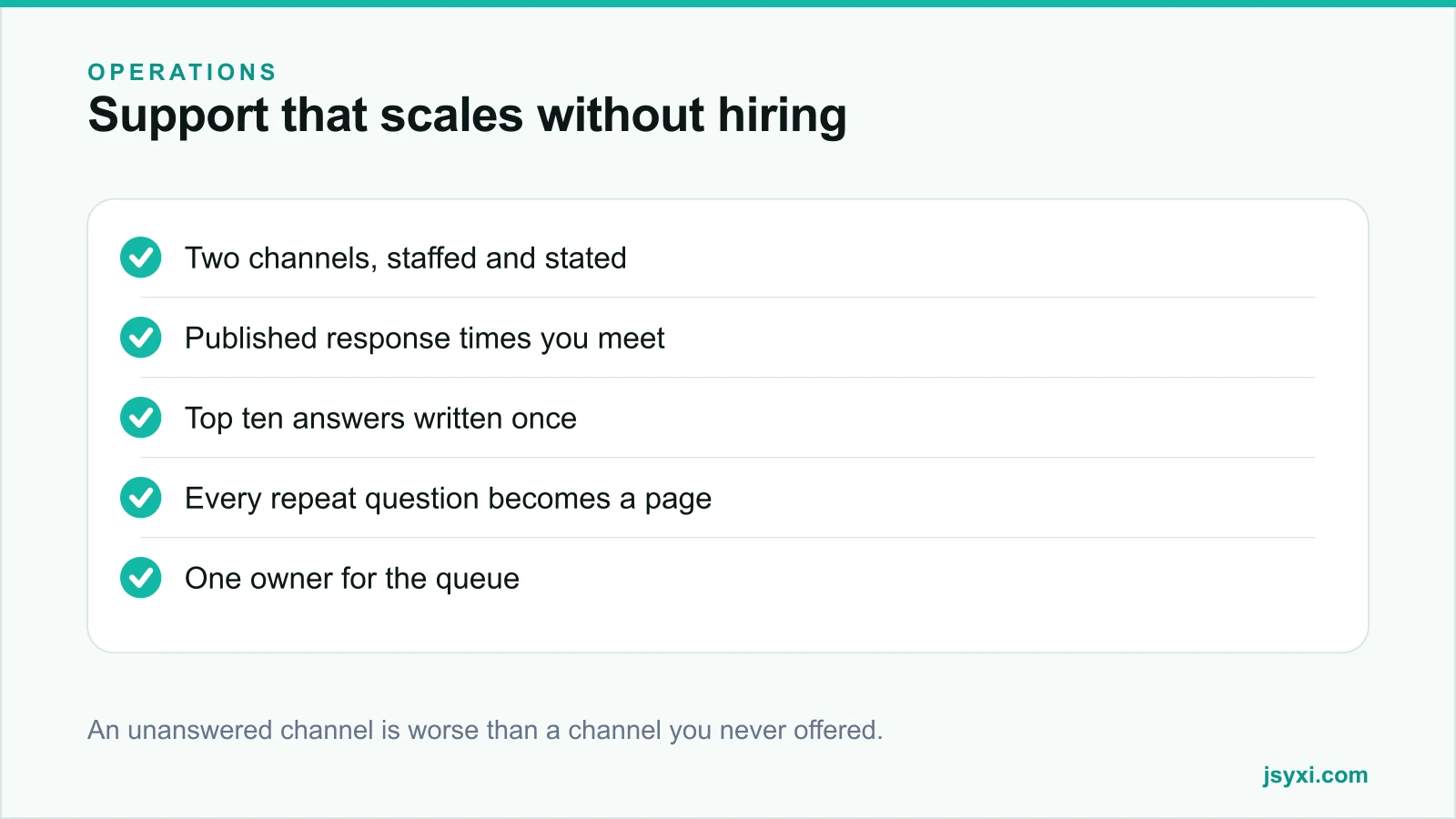
Two channels, genuinely staffed, beat five that are nominally available.
Step 1: Choose the channels you can actually staff
Pick based on your customers and your capacity:
- WhatsApp or chat - fast, informal, and the default in many markets. Best for pre-purchase questions.
- Email or a form - for anything needing a record, attachments, or a considered answer.
- Phone - high value per contact, but expensive to staff. Worth it for high-consideration or urgent categories.
- Social messages - do not ignore them, but route them into the same queue rather than treating them separately.
Then publish the channels you offer and the hours they are staffed, using a Business Hours widget. An advertised channel nobody answers costs more trust than not offering it.
Step 2: Promise a response time you will meet
- State it on the contact page and on the form itself
- Under-promise: "within one working day" you always meet beats "within an hour" you sometimes do
- Say what happens outside hours, and give a route that works overnight
- Acknowledge immediately and automatically, but do not pretend the acknowledgement is a person
Speed matters more than polish, particularly before a purchase - see speed to lead.
Step 3: Give the queue one owner
Most support failures are ownership failures:
- One named person owns the queue each day, including weekends if you are open
- Every conversation has an owner from the moment it arrives
- A defined escalation route when the owner is unavailable
- A daily check that nothing is older than your promised response time
A shared inbox with no owner is where messages go to be forgotten.
Step 4: Write the top ten answers once
List the questions you answer most, then write the best version of each answer:
- Where is my order
- How long does delivery take to my area
- What is your return policy
- Is this item genuine and does it have a warranty
- Will this fit or work with mine
- How do I cancel or change an order
- Do you offer cash on delivery
- What are the charges
- How do I get an invoice
- Do you have this in another size or colour
Store them as templates, but always personalise the first line. A visibly canned reply to a specific question reads as dismissal.
Step 5: Turn repeat questions into pages
Every question you answer more than a few times a week is a missing line on your site:
- Delivery questions → a delivery information section on the product page
- Fit questions → a size guide and honest description, see writing product descriptions
- Return questions → a summary above the add-to-cart button
- General repeats → a FAQ accordion on the relevant page
This is the only support strategy that reduces volume rather than absorbing it. Track your top contact reasons monthly and fix the page that caused each one.
Step 6: Write replies that end the conversation
- Answer first, context second
- Be specific - dates, amounts, and next steps, not "shortly"
- Say what you will do, and by when
- Answer the question they will ask next, pre-emptively
- Skip the apology paragraph in favour of the fix
- One message, complete, rather than three partial ones
A reply that requires a follow-up question has doubled your workload and halved their patience.
Step 7: Handle complaints without escalating them
- Acknowledge the specific problem, not "any inconvenience caused"
- Do not argue about policy before establishing the facts
- Offer a concrete remedy and a timeline
- Move public complaints to a private channel, then return publicly to confirm resolution
- Record the root cause - most complaints are process failures, not customer failures
Step 8: Measure what points at fixes
- Contacts per hundred orders, which is the real workload number
- Contacts by reason, so you know which page to fix
- First response time and resolution time
- Reopen rate, which reveals incomplete answers
- The share of contacts that are "where is my order" - usually a communication gap, see the post-purchase checklist
Common mistakes to avoid
- Offering channels you cannot staff. Silence is worse than absence.
- No published hours. Chat implies instant.
- Answering the same question forever. Fix the page instead.
- Canned replies with no personalisation. They read as dismissal.
- No owner on the queue. Messages age quietly.
Frequently asked questions
Which support channels should a small store offer?
Two you can genuinely staff - usually a chat or WhatsApp route for quick pre-purchase questions and email or a form for anything needing a record. Publish the hours for each.
What is a reasonable response time to promise?
Whatever you can meet consistently. "Within one working day", always honoured, builds more trust than "within an hour" that sometimes takes six.
How do I reduce support volume?
Turn every repeat question into content on the page where it is asked: delivery information on product pages, a return summary above the add-to-cart button, and an FAQ for the rest.
Should I use canned responses?
Yes, as a base for accuracy and speed, but always personalise the opening line and confirm the specifics. A visibly generic reply to a specific question damages the interaction.
Next steps
List your top ten contact reasons from last month, write the best answer to each, and publish the three most common as content on the pages where they are asked.
Start free and put a WhatsApp route with honest hours on your product pages.