
Ideas for better growth
Internal Linking: A Practical Strategy Guide
Chris Content · · 5 min read

Internal links decide what search engines think your site is about and how deep visitors go. How to build a structure that helps both, without link spam.
Internal links are the only links on the web you control completely. They decide which of your pages search engines treat as important, how easily crawlers reach your content, and whether a visitor who finished one page has a reason to read another.
Most sites do this by accident, through navigation and whatever the author remembered to link.
What internal links actually do
Three jobs:
- Discovery. A page with no internal links pointing to it may never be crawled properly, whatever your sitemap says.
- Importance. Pages linked from many places, especially from prominent places, are treated as more important than pages linked from nowhere.
- Context. The anchor text and surrounding words tell search engines what the destination page is about.
For visitors, they do a fourth job: they turn a single-page visit into a session.
Step 1: Group your pages into topics
Before linking anything, map what you have. Group pages into topics that reflect how customers think:
- For a store: category, subcategory, product, buying guide
- For a service business: service, sub-service, location, case study
- For a content site: topic hub, individual guides, reference pages
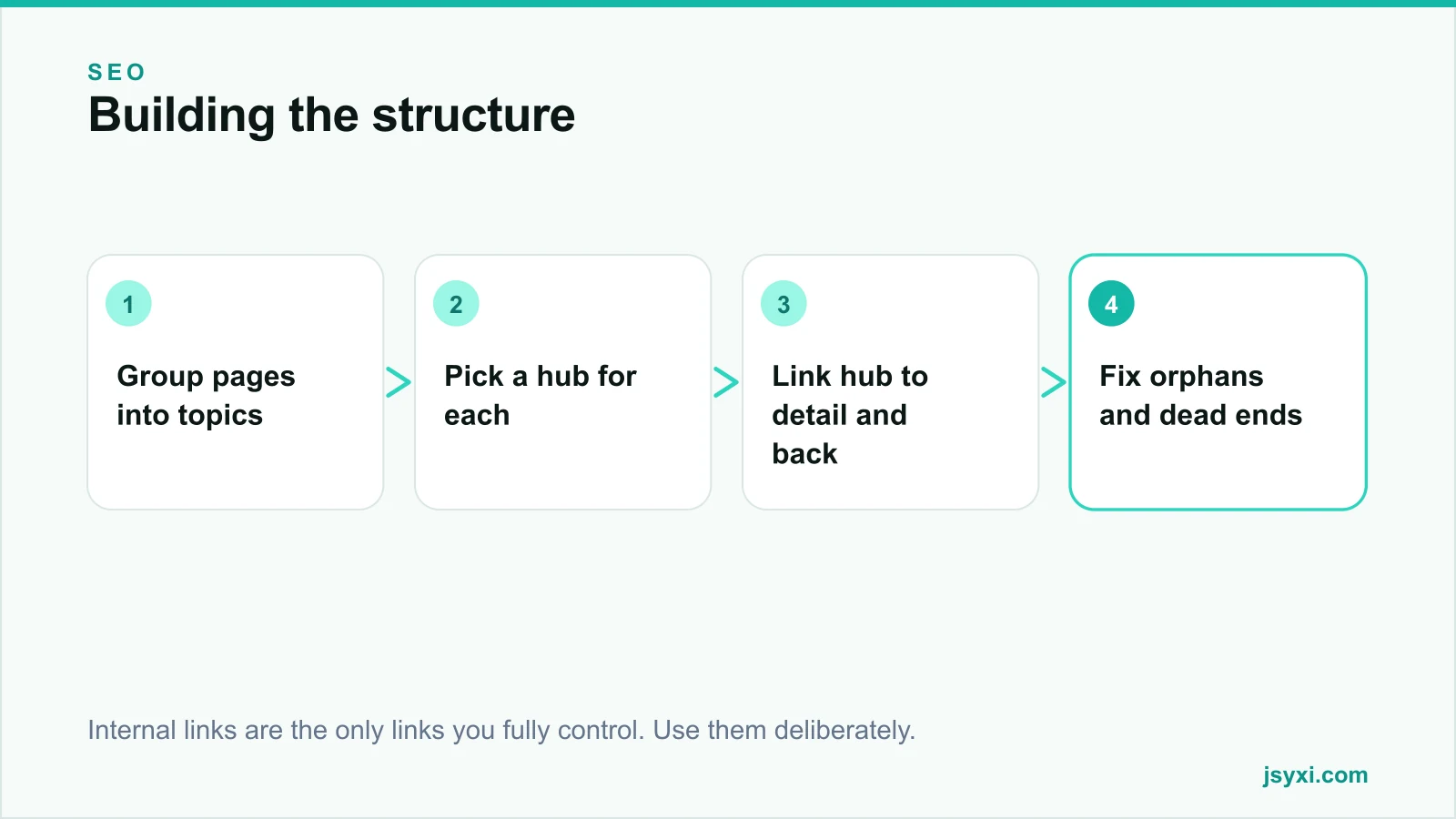
Within each group, identify the one page you most want to rank for the broad term. That page is the hub.
Step 2: Build hub and spoke
For each topic:
- The hub links to every detail page in the group, with descriptive anchor text
- Each detail page links back to the hub
- Detail pages link to each other where genuinely relevant, not exhaustively
This gives search engines a clear picture of which page covers the broad topic and which cover the specifics, and gives readers an obvious path in both directions.
Do not link every page to every other page. A page with sixty internal links in the body distributes almost nothing and reads badly.
Step 3: Write anchor text that describes the destination
Anchor text is a strong hint about what the linked page is about:
- Use descriptive phrases: "our page speed guide" rather than "click here"
- Vary the wording naturally across links; identical anchors everywhere looks automated
- Do not stuff the exact target keyword into every anchor
- Make sure the link makes sense read aloud, out of context - screen reader users often navigate by link list
Avoid "read more" and "learn more" as the entire anchor. They tell nobody anything.
Step 4: Link from within the content
Links in body copy are worth more, to both readers and crawlers, than links in a footer or sidebar template:
- Link at the point where the reader would naturally want the extra detail
- Two to five contextual links per article is usually right
- Prefer linking early in the page for the most important destination
- Do not interrupt a critical action - avoid links inside checkout flows
Step 5: Find and fix the structural problems
Crawl your own site and look for:
- Orphan pages - pages with no internal links pointing to them. Link them from a relevant hub or accept they should be removed.
- Deep pages - anything more than three or four clicks from the homepage
- Broken internal links - they waste crawl budget and frustrate readers
- Redirect chains - update internal links to point at the final destination
- Dead ends - pages with no onward link
A simple site crawler will surface all five in an afternoon.
Step 6: Use navigation deliberately
Navigation is internal linking at scale:
- Keep the main navigation focused on the pages that matter commercially
- Use real HTML links; script-only menus may not be followed
- Add breadcrumbs on deep pages - they help users and produce useful structured data, see our schema guide
- Keep footer links purposeful; a footer with two hundred links dilutes everything
Step 7: Maintain it
Internal linking decays as content grows:
- When publishing a new page, add links to it from at least two existing relevant pages
- When updating an old page, check whether newer content should be linked from it
- Review orphans quarterly
- Remove links to retired pages rather than leaving them redirecting
Common mistakes to avoid
- Linking only from navigation. Contextual links carry more weight and more usefulness.
- Identical exact-match anchor text everywhere. It reads as manipulation.
- Sixty links in a body paragraph. Each one is worth less and none is noticed.
- Publishing without inbound links. The new page starts invisible.
- Ignoring the reader. A link that does not help the person reading is not worth the crawl benefit.
Frequently asked questions
How many internal links should a page have?
In body content, two to five contextual links for a typical article, more for a long guide. Template links in navigation and footer are separate. The test is whether each link helps the reader.
Does anchor text matter for internal links?
Yes. It is a strong signal about the destination's topic, and it is what screen reader users hear when navigating by links. Use descriptive phrases and vary them naturally.
What is an orphan page?
A page with no internal links pointing to it. It may be in your sitemap but is hard for crawlers to discover and impossible for visitors to find by browsing. Either link it from a relevant page or remove it.
Should I link to the same page multiple times from one article?
Once is usually enough, at the most relevant point. Repeated links to the same destination add clutter without adding value.
Next steps
Crawl your site, list every page with no inbound internal links, and link each from the most relevant hub. Then check that each of your top commercial pages is reachable within three clicks of the homepage.
If you want this mapped and executed, our digital marketing and SEO service includes site structure work.