
Ideas for better growth
How to Add an Instagram Feed to Your Website
Chris Content · · 5 min read
Show your Instagram content on your site without wrecking page speed: what to embed, where to place it, and how to keep social proof genuinely persuasive.
An Instagram feed on a website is usually installed for the wrong reason: because the space looked empty. Used deliberately, it does something a product photo cannot - it shows real usage, recent activity, and a community that exists outside your marketing copy.
This guide covers how to embed a feed that supports a buying decision instead of just filling a section.
Decide the job before you embed
A feed can do three different jobs. Pick one:
- Proof of life. Recent posts show the business is active. Useful on a homepage or about page.
- Proof of use. Customer photos and real-world context show the product in use. Useful on product and category pages.
- Audience growth. A follow prompt. Useful in a footer, and honestly not much else.
The mistake is placing a growth-oriented feed halfway through a purchase decision. At that point you are inviting the visitor to leave your site for an app engineered to keep them there.
Step 1: Curate rather than mirror
A raw chronological mirror of your feed will eventually show a post that undercuts the page: an unrelated festival greeting, a hiring announcement, a giveaway that ended months ago.
Curate instead:
- Choose posts that show the product, the workshop, the team, or the result
- Prefer posts with visible customer usage over studio shots you already have
- Keep the set fresh - a feed whose newest item is eight months old is worse than no feed
- Match the tone of the page it sits on
With the Instagram Feed widget you control the set that appears, so a product page can carry the six posts that actually show that product.
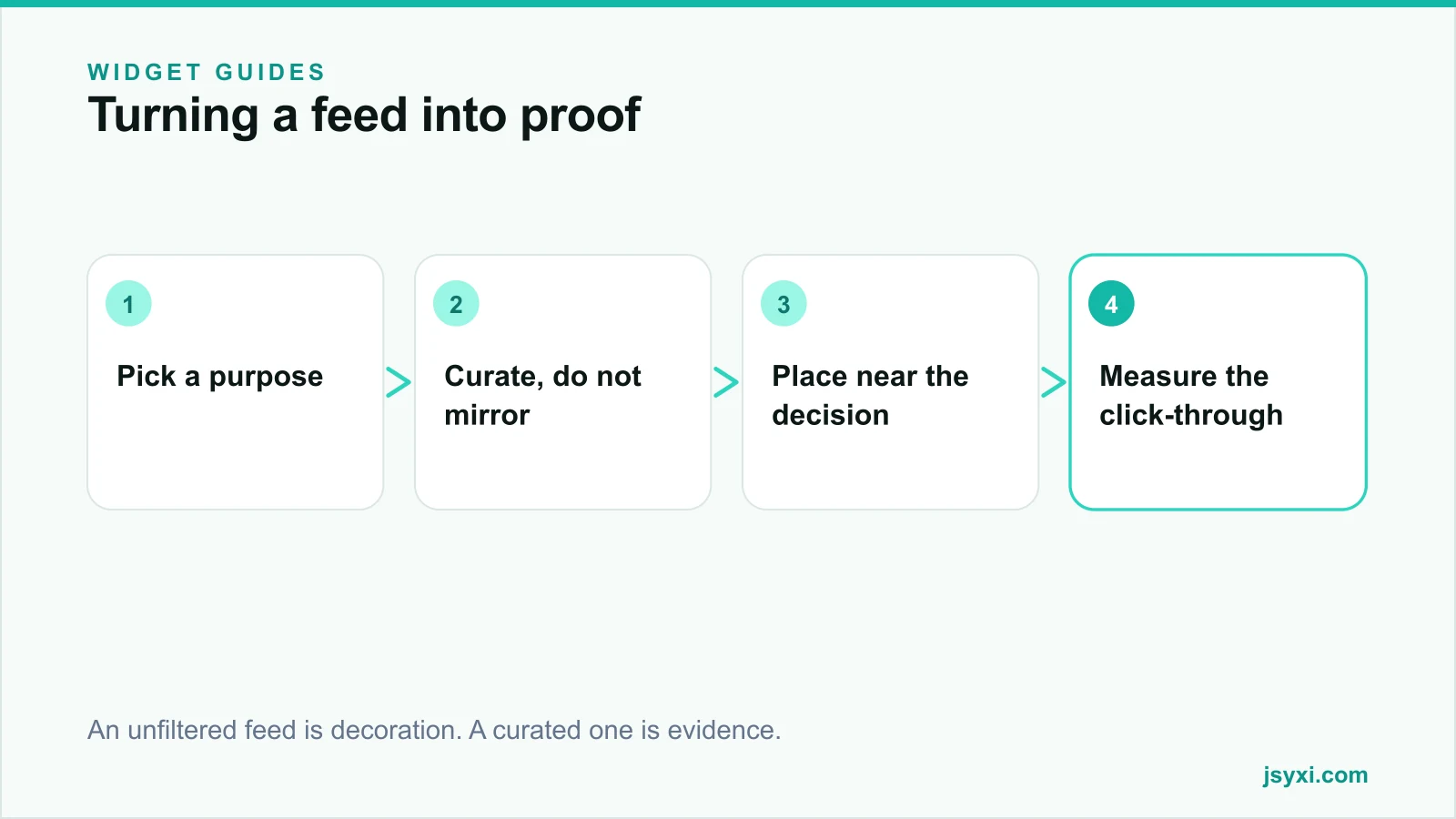
Step 2: Place it where it supports a decision
Good placements:
- Below the product description, after specifications, where the visitor is looking for reassurance
- On a category page, showing the range in real settings
- On a homepage, low on the page as a recency signal
- On an about or careers page, showing culture
Poor placements:
- Above the fold, competing with your primary offer
- Inside checkout or cart, where any external link is a leak
- On a lead-capture landing page whose only job is one action
Our guide on social proof placement covers the wider question of which proof belongs where.
Step 3: Keep it fast
Social embeds are notorious for weight. An unmanaged feed can pull large scripts, iframes, tracking, and full-resolution images. On a phone, that shows up as a slow page and a wobbling layout.
Protect the page:
- Lazy load the feed - it is almost always below the fold, so it should never block first paint
- Reserve the space with a fixed aspect ratio so nothing shifts when images arrive
- Limit the number of posts on first render; six to nine is plenty
- Use thumbnails, not full-size media, in the grid
- Watch third-party requests. Every extra domain is another connection to set up
Our guide on protecting Core Web Vitals with widgets has the measurement approach.
Step 4: Handle the outbound click deliberately
Every tile in the feed is a link out of your site. Decide what you want:
- If the job is proof, consider opening posts in a lightbox on your own page rather than sending the visitor to the app.
- If the job is growth, make the follow action explicit and keep the tiles non-clickable, so the visitor chooses to leave rather than leaving by accident.
- Always open external links in a new tab so the purchase journey survives.
On mobile, tapping a post often deep-links into the Instagram app, and the visitor rarely comes back. Treat that as a real cost.
Step 5: Keep permissions and credit straight
If you display customer photos:
- Get permission before featuring someone's post, even when it tags you
- Credit the account visibly
- Remove content promptly if the person asks
- Do not crop out context that changes the meaning of the post
This is basic courtesy, and it also avoids the reputational cost of a public complaint about reposting.
Step 6: Measure whether it earns its space
A feed occupies prime page area and adds weight, so hold it to a standard:
- Scroll depth to the section, and time spent there
- Outbound clicks - a high rate on a product page may be a leak, not engagement
- Conversion rate of sessions that reached the section versus those that did not
- Page performance before and after adding it
If the section adds weight and leaks traffic without lifting conversion, replace it with static curated images or a Photo Gallery.
Common mistakes to avoid
- Mirroring everything. One off-brand post undoes the effect.
- A stale feed. Nothing signals "abandoned business" like a six-month-old newest post.
- Feeds inside checkout. Any external link there costs revenue.
- Ignoring the weight. Social embeds are among the heaviest third-party elements on the web.
- No fallback. If the feed fails to load, the section should collapse cleanly, not leave a blank hole.
Frequently asked questions
Does an Instagram feed help SEO?
Not directly - embedded social content is generally not indexed as your own content. It can help indirectly by improving engagement and trust, but a slow embed that hurts Core Web Vitals is a net negative.
How many posts should the feed show?
Six to nine on first render. More than that adds weight without adding persuasion, and most visitors never scroll a second row of social tiles.
Should the feed link out to Instagram?
On awareness pages, yes. On product and checkout pages, prefer an on-site lightbox so the buying journey is not interrupted by an app designed to hold attention.
What if we do not post often?
Then do not embed a live feed. Use a curated set of your best images through a gallery instead. An out-of-date feed damages credibility more than an absent one.
Next steps
Decide which job the feed does on each page, curate a set that supports it, and publish it with the Instagram Feed widget. Measure the section against the page's conversion goal after two weeks, and remove it if it only adds weight.
Start free and try a curated feed on one page first.