
Ideas for better growth
How to Add a Team Page to Your Website
Chris Content · · 4 min read

A team page is a trust page. Which people to include, what each profile needs, how to handle photos and privacy, and how to keep it from going stale.
A team page is not an org chart. It is a trust page. A visitor deciding whether to hand over money, data, or a project is checking whether real, competent people work at this business.
That is why stock photography on a team page is worse than no team page at all.
Who to include
Include the people a customer would actually deal with or benefit from knowing about:
- Founders and leadership, for credibility
- Client-facing staff, so enquiries feel personal
- Technical or professional staff whose qualifications matter - clinicians, engineers, architects, chefs
- Long-serving team members, because tenure signals stability
Do not list everyone by default. A page of forty faces reads as a directory; a page of eight relevant people reads as a team.
Also respect preferences. Some staff do not want their photograph or surname published, and that is a reasonable request to honour.
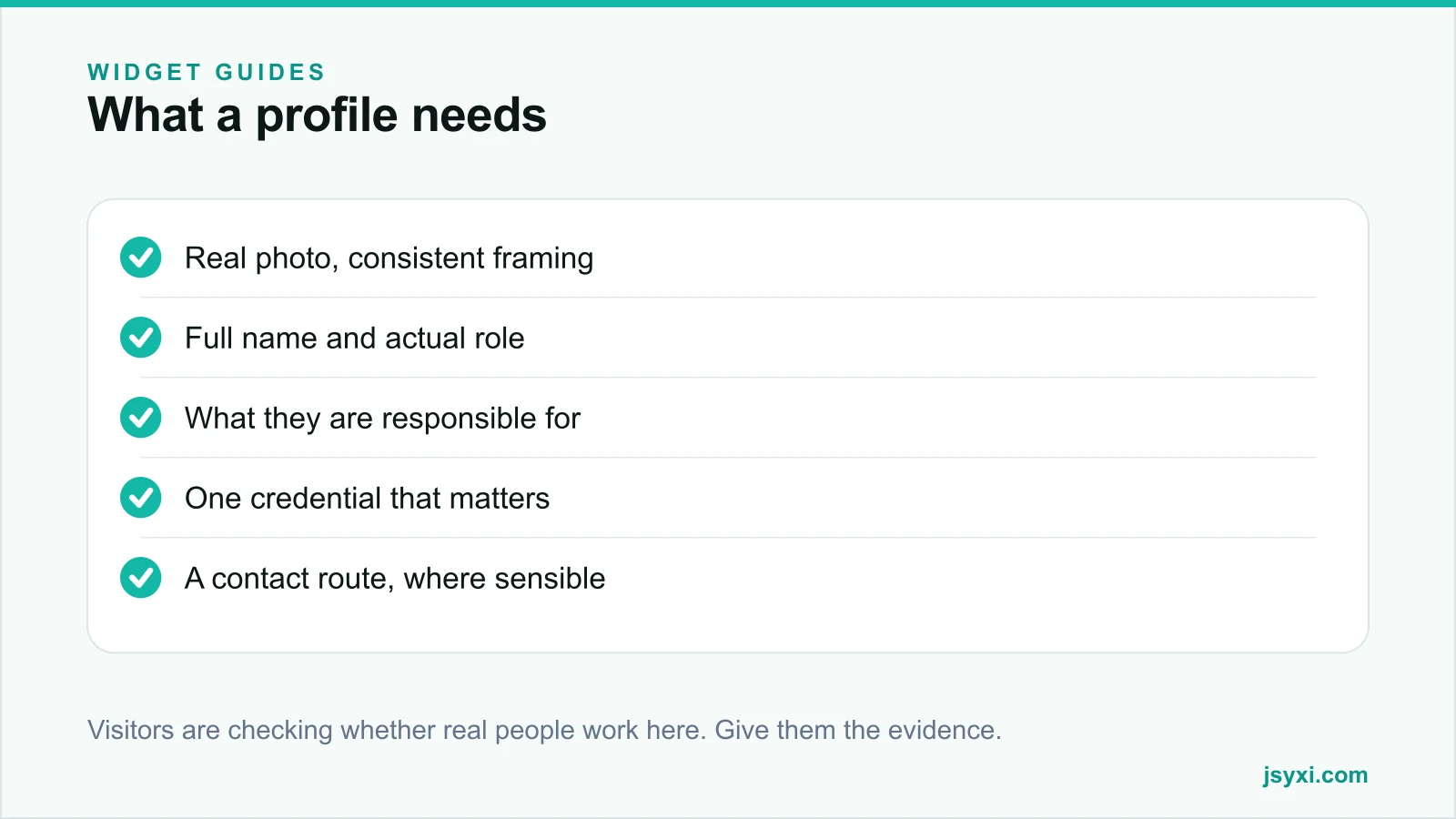
What each profile needs
- A real photograph, taken in consistent light and framing
- Full name, unless the person has asked otherwise
- Actual job title, not an invented one
- What they are responsible for, in one line a customer understands
- One credential that matters - a qualification, a registration number, years in the trade
- A contact route, for roles where direct contact is appropriate
Skip the personality filler. "Loves coffee and cricket" adds nothing to a buying decision, and it makes a professional services page read as unserious.
Get the photographs right
Consistency matters more than production value:
- Same background, same lighting, same crop for everyone
- Same distance and angle, so nobody looks more important by accident
- Neutral expression or a genuine one, not a forced pose
- Retake the whole set when it drifts, rather than adding one mismatched photo
If you cannot photograph everyone consistently, use a plain initial-based placeholder for the rest. A mixed set of selfies and studio portraits looks careless.
Build it without editing your theme
The Team Showcase widget handles photos, roles, bios, and social links, and embeds with one line.
Configure:
- Grid columns for desktop, tablet, and phone
- Whether bios appear inline or in a detail view
- Which social or contact links appear per person
- Ordering - by seniority, by function, or alphabetically within groups
Place it with the embed snippet guide.
Where a team page earns its place
- About page, as the main credibility surface
- Service pages, showing the specialist who does that work
- Careers page, so candidates see who they would work with - see our careers page guide
- Contact page, so an enquiry feels addressed to a person
For professional services, a named specialist beside a service description does more than any amount of copy about expertise.
Handle privacy properly
- Ask before publishing a name, photograph, or contact detail
- Let people opt out without explanation
- Remove a leaver's profile promptly, ideally the week they leave
- Do not publish personal phone numbers or home locations
- Be careful with staff in sensitive roles
See our privacy compliance guide for the wider obligations.
Keep it from going stale
A team page dates faster than any other page:
- Review it monthly alongside the rest of your maintenance checklist
- Remove leavers immediately - a departed employee still listed is a credibility problem and sometimes an awkward one
- Add new joiners within their first month
- Refresh photographs when the set drifts
Common mistakes to avoid
- Stock photos of models. One reverse image search destroys the whole page.
- Inconsistent photographs. They make the team look assembled from strangers.
- Invented titles. "Chief Happiness Officer" undermines a professional service page.
- Leavers left up for months. It signals nobody maintains the site.
- No roles. A face without a responsibility tells the visitor nothing.
Frequently asked questions
Should a small business have a team page?
Yes, especially in services. For a business where trust decides the sale, showing real, named, qualified people is one of the strongest signals available, and it costs nothing but an afternoon.
Do I need professional photographs?
No, but you need consistent ones. The same background, lighting, and crop across everyone matters more than production quality. A mixed set of selfies and studio portraits looks worse than plain consistent snapshots.
What if some staff do not want to be listed?
Honour it without pressure. Include the people who consent, and use a plain placeholder or omit the rest. Never publish someone's photograph or surname against their wishes.
How often should the team page be updated?
Monthly. Remove leavers immediately and add joiners within their first month; an outdated team page is one of the most visible signs of a neglected site.
Next steps
Photograph your client-facing team consistently, write one line of responsibility for each, and publish them with the Team Showcase widget on your about and service pages.
Start free and put real faces on your site.