
Ideas for better growth
Page Speed Optimization: What Actually Helps
Chris Content · · 4 min read

Skip the score chasing. The changes that reliably make pages faster: images, fonts, third-party scripts, render blocking, and how to measure the real experience.
Page speed work goes wrong when it becomes score chasing. A tool gives a number, the number becomes the goal, and hours are spent on micro-optimisations while a four-megabyte hero image sits untouched.
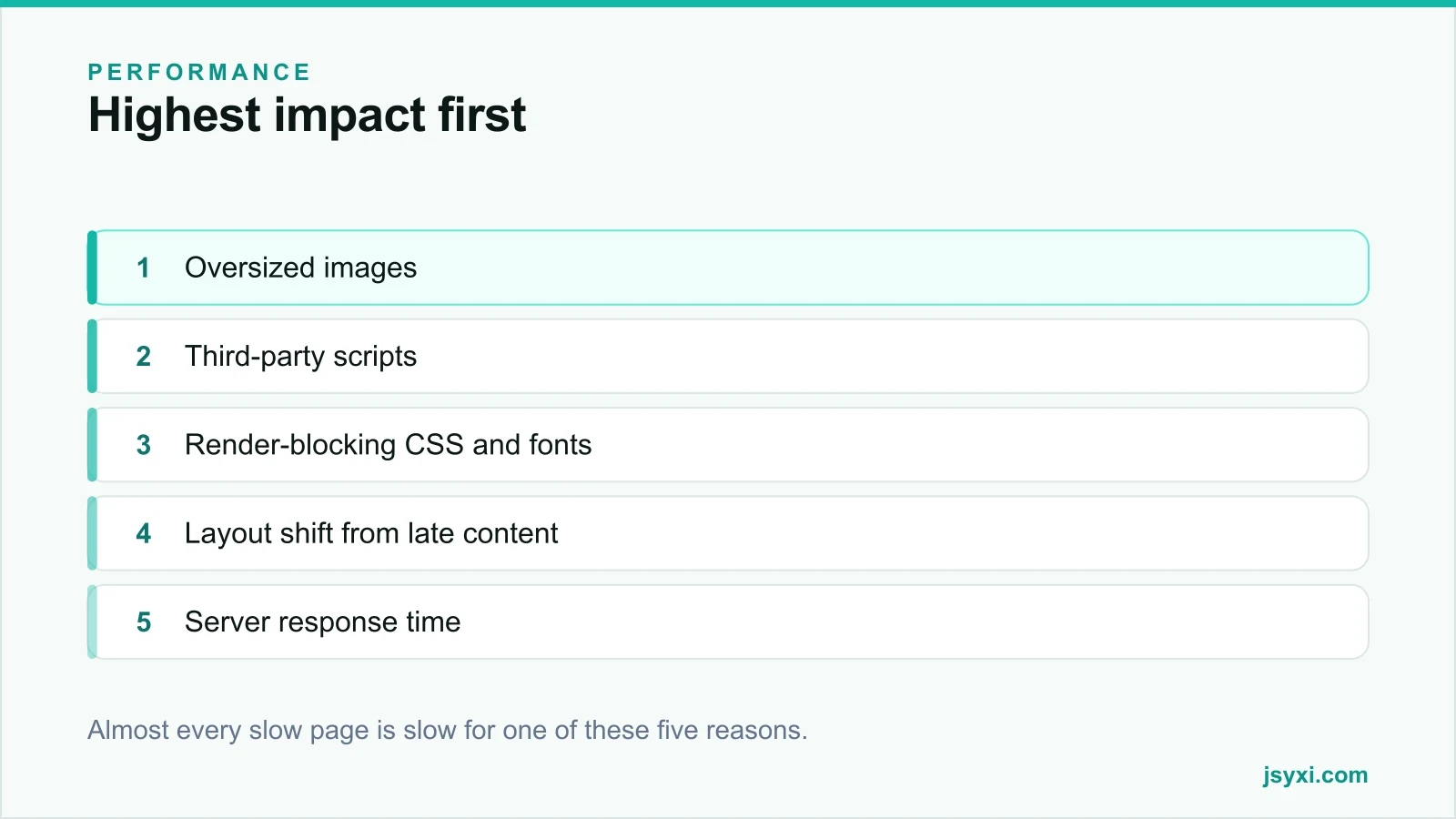
This guide covers the changes that reliably make real pages faster for real visitors, in order of impact.
Measure the right thing first
There are two kinds of measurement and you need both:
- Lab data - a synthetic test in a controlled environment. Useful for debugging and comparing changes, but it is not your visitors.
- Field data - what actual visitors experienced, aggregated over time. This is what matters and what page experience signals are based on.
If field data shows a problem that lab tests do not, trust the field. Your visitors are on mid-range phones, on mobile data, with browser extensions and background apps - not on a fast test machine.
Test on a mid-range Android device with a throttled connection. That is your median user in most markets.
The five usual causes
1. Oversized images
Still the most common cause of slow pages by a wide margin:
- Serve images sized for their display size, with responsive variants
- Use modern formats - WebP or AVIF
- Compress with intent; visually lossless is usually far smaller than the default export
- Lazy load everything below the fold, and never lazy load the hero
- Always set width and height or an aspect ratio so nothing shifts
See our image optimization guide for the full workflow.
2. Third-party scripts
Analytics, chat, reviews, ads, heatmaps, consent platforms, social embeds, tag managers. Each one is a separate connection, a separate download, and a separate chance to block the main thread.
- Inventory everything currently loading. Most sites find tags nobody remembers adding.
- Remove anything without a named owner and a stated purpose
- Load what remains asynchronously, after content
- Defer non-essential scripts until interaction where possible
- Watch tag managers, which hide the real cost behind a single innocuous-looking tag
Our post on measuring widget performance explains how to attribute cost to individual scripts.
3. Render-blocking CSS and fonts
- Inline the small amount of CSS needed for the first screen; load the rest asynchronously
- Remove unused CSS from large frameworks
- Limit web fonts to what you actually use - two families, two weights each, is plenty
- Use a font-display strategy that shows text immediately rather than hiding it
- Preload only the fonts used in the first screen
- Subset fonts to the character sets you need
Invisible text while a font loads is a self-inflicted delay.
4. Layout shift
Shifting layout is not only a metric problem - it causes mis-taps and lost sales:
- Reserve space for every image, video, iframe, and advert
- Reserve space for anything injected late: banners, consent notices, chat launchers
- Avoid inserting content above existing content after load
- Load fonts so the fallback and the final font have similar metrics
5. Server response time
If the server takes a long time to send the first byte, nothing else can start:
- Cache aggressively - full pages where possible, fragments otherwise
- Use a CDN so assets are served near the visitor
- Check database queries on the slowest templates
- Watch for shared hosting contention during peak periods
What usually does not matter much
- Micro-tuning image quality from 82 to 80
- Removing a few kilobytes of unused CSS after the big wins are done
- Chasing a perfect lab score while field data is fine
- Switching frameworks for performance reasons alone
Do the five things above properly before spending time here.
Build a habit, not a project
Performance regresses. Every new campaign adds a tag; every redesign adds a font.
- Set a performance budget - a page weight and script count you will not exceed
- Check field data monthly
- Review third-party scripts quarterly and remove the unused
- Test the key journeys on a real phone before every launch
Common mistakes to avoid
- Optimising the homepage only. Most visitors land elsewhere.
- Lazy loading the hero image. It delays exactly the thing being measured.
- Adding a tag manager and forgetting what is in it.
- Ignoring the consent banner's weight. It often blocks first render.
- Treating the score as the goal. The goal is a page that feels instant on a normal phone.
Frequently asked questions
What is a good page load time?
Aim for the largest visible element to render within about two and a half seconds on a mid-range mobile connection, and for the page to respond promptly to the first interaction. Compare against your own field data over time rather than a single lab score.
Do I need a CDN for a small site?
It helps if your visitors are geographically spread or your host is far from your audience. For a purely local business on a nearby server, caching and image discipline usually matter more.
How much do third-party scripts slow a site?
Often more than everything else combined. Each adds a connection, a download, and main-thread work. Auditing and removing unused tags is usually the fastest available win after images.
Should I focus on the score or the real experience?
The real experience. Use lab scores to debug and compare changes, but judge success by field data from actual visitors on actual devices.
Next steps
Run one key page through a throttled mobile test, find the largest image and the heaviest third-party script, and fix those two things first. Then set a page weight budget so the gains do not evaporate.
Start free and keep your widgets light while you do it.