
Ideas for better growth
Building a Multi-Language Website for India
Chris Content · · 5 min read
Which languages to add, how to structure URLs, what actually needs translating, and the technical details that decide whether the effort pays off.
Adding languages to a website is often proposed as an obvious growth move and then implemented as a machine-translated homepage that dead-ends into an English checkout. That combination performs worse than a single well-written English site, because it promises something it cannot deliver.
This guide covers how to decide, and how to do it properly if you do.
Step 1: Establish there is real demand
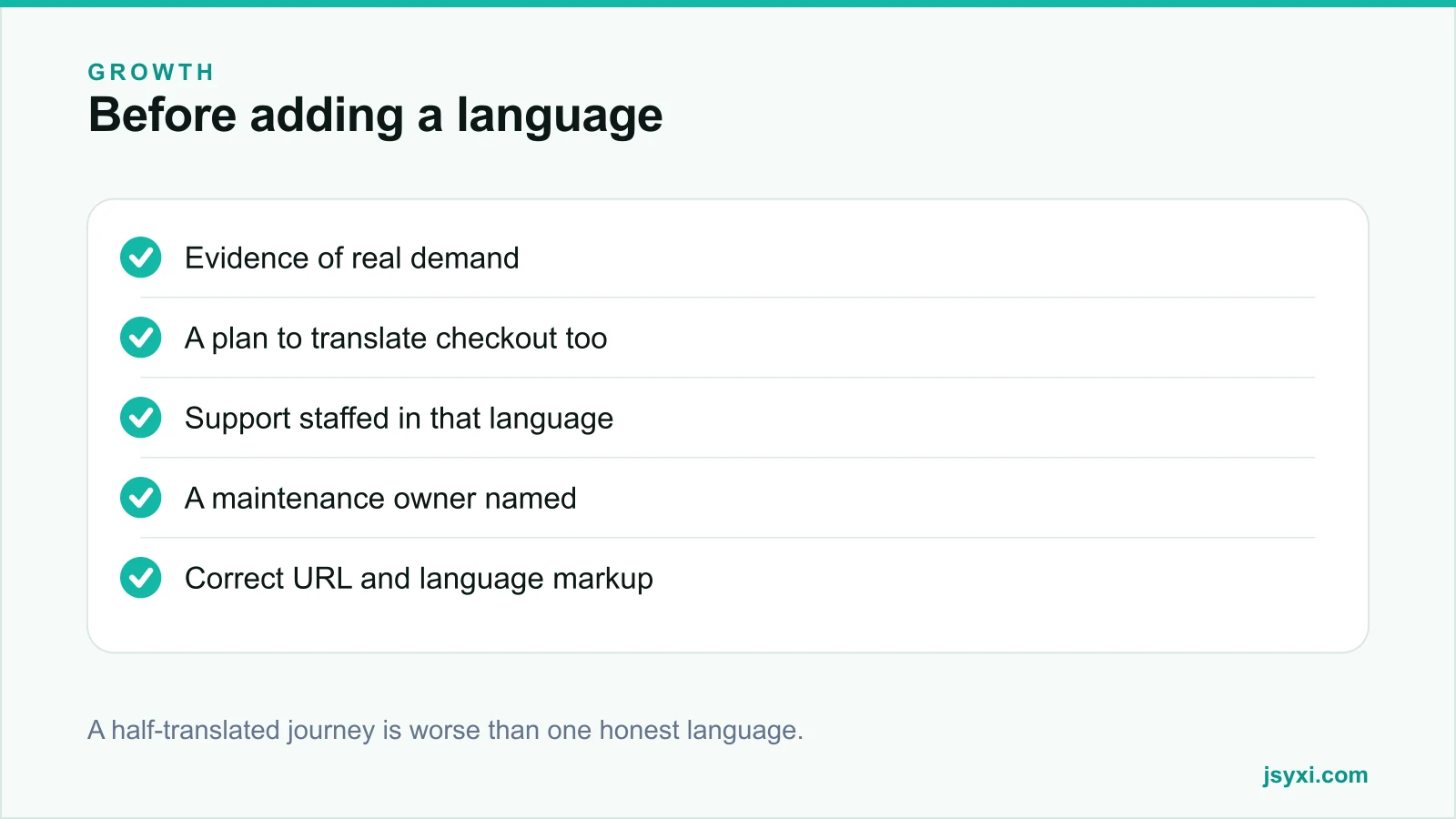
Before translating anything, look for evidence:
- Browser language settings in your analytics
- Regional traffic concentrations
- Search queries in other languages that reach you
- Support requests arriving in another language
- Sales feedback about language being a barrier
- Competitors serving that audience successfully
Absence of traffic in a language is weak evidence either way - you may simply be invisible to those searches. Test with a small campaign or a single translated landing page before committing to the whole site.
Step 2: Understand the true cost
Each language multiplies ongoing work:
- Initial translation of pages, products, and policies
- Translation of every future change
- Support in that language, or an honest statement that support is in English
- Testing every journey again
- Structured data and metadata per language
- Someone who can review quality
If you cannot fund the ongoing half, do not start. A language that goes stale is a visible signal of neglect.
Step 3: Translate the whole journey or none of it
The most common failure is translating marketing pages and leaving the transaction in English. A visitor who reads a Hindi product page and then hits an English checkout with English error messages has been misled.
Translate, at minimum:
- Navigation and category names
- Product titles, descriptions, and attributes
- Cart and checkout, including validation and error messages
- Order confirmation and transactional messages
- Delivery, returns, and privacy pages
- Form labels, helper text, and success messages
- Widget content - FAQs, popups, and announcements
If you cannot translate checkout, translate nothing and instead invest in clearer English.
Step 4: Get the URL structure right
Choose one approach and apply it consistently:
- Subdirectories - example.com/hi/ - simplest to manage, keeps authority on one domain, and is the usual right answer for a single business
- Subdomains - hi.example.com - more separation, more setup
- Country domains - a separate registration per market, expensive and rarely justified for language variants
Whichever you choose:
- Keep the same structure across languages so URLs are predictable
- Never mix languages within one page
- Never use a parameter alone to switch language
- Redirect consistently, and never redirect based only on browser language without offering a choice
Step 5: Mark up the language relationships
Search engines need to know which page is which:
- Declare the page language in the HTML
- Provide alternate-language annotations linking equivalent pages, including a self-reference
- Include a default fallback for unmatched languages
- Keep the annotations bidirectional - every page must point back
- Ensure each language version has its own canonical, pointing to itself
Getting this wrong is why many multilingual sites end up with only one language indexed.
Step 6: Make the switcher usable
- Show it in a consistent place, usually the header
- Label each language in its own script - "हिन्दी", not "Hindi"
- Do not use flags; languages are not countries
- Switching should stay on the equivalent page, not jump to the homepage
- Remember the choice for the session
- Never auto-redirect without offering a way back
Step 7: Do not rely on machine translation alone
Machine translation is a useful first draft and a poor final product:
- Product names, units, and technical terms are frequently mangled
- Tone is often wrong for commerce
- Legal and policy text must be accurate, not approximate
- Errors in checkout copy cost orders directly
Have a native speaker review at least navigation, product, checkout, and policy content. Machine output is acceptable for long-tail content only if it is clearly labelled and reviewed over time.
Step 8: Handle the practical details
- Text expansion. Translations are often longer; test buttons and navigation for overflow.
- Fonts. Confirm your fonts support the scripts you serve, and check the weight of the additional font files.
- Numbers and dates. Format for the locale, including the numbering conventions your audience uses.
- Currency. State it explicitly.
- Search. Your site search must handle the language, including transliteration if your audience types phonetically.
- Sitemaps. Include every language version.
Common mistakes to avoid
- Translating only the homepage. It promises a journey that does not exist.
- Auto-redirecting by browser language with no override. Frustrating and sometimes wrong.
- Flags as language labels. Languages cross borders.
- Unreviewed machine translation in checkout. It costs orders directly.
- No maintenance owner. Translations go stale within one product cycle.
Frequently asked questions
Should my Indian business website be in multiple languages?
Only with evidence of demand and the budget to maintain it, including support. Many audiences transact comfortably in English; a badly maintained second language performs worse than one good one.
What URL structure is best for multilingual sites?
Subdirectories such as example.com/hi/ for most businesses. They are simpler to manage, keep authority consolidated, and are straightforward to mark up correctly.
Is machine translation good enough?
As a first draft, yes. For navigation, product, checkout, and policy content it needs native review - errors there cost orders and create legal exposure.
Should I auto-detect the visitor's language?
You can suggest, but never force. Offer a switcher, remember the choice, and make sure a visitor can always get back to the language they want.
Next steps
Test demand with one translated landing page and a small campaign before committing. If it works, plan the full journey - including checkout and support - and name an owner for keeping it current.
Start free and keep your widget content translatable from one place.