
Ideas for better growth
How to Add an Age Verification Gate
Chris Content · · 5 min read

Add an age gate that meets your obligations without destroying traffic: when it is required, how to design it, and how to keep search engines able to crawl.
An age gate is a blunt instrument. It costs you traffic, it annoys returning customers, and it stops nobody who is determined. It is also a legal requirement in several categories, and a reasonable signal of good faith in others.
This guide covers how to implement one that meets your obligation with the least collateral damage.
Step 1: Confirm whether you actually need one
Age verification requirements vary by product category and jurisdiction. Categories that commonly carry restrictions include alcohol, tobacco and vaping, gambling, adult content, certain supplements, weapons and knives, and some financial products.
Before adding a gate, establish:
- Which specific products or pages are restricted
- What the minimum age is in each market you serve
- Whether a self-declaration is sufficient or whether verified proof is required at purchase
- What your payment provider and marketplace terms require
Note the difference between a gate - a self-declared check at the door - and verification - a documented check, usually at checkout or delivery. A gate does not satisfy a verification requirement. This article is practical guidance, not legal advice; confirm your obligations for your category and markets.
Step 2: Gate the narrowest surface that satisfies the rule
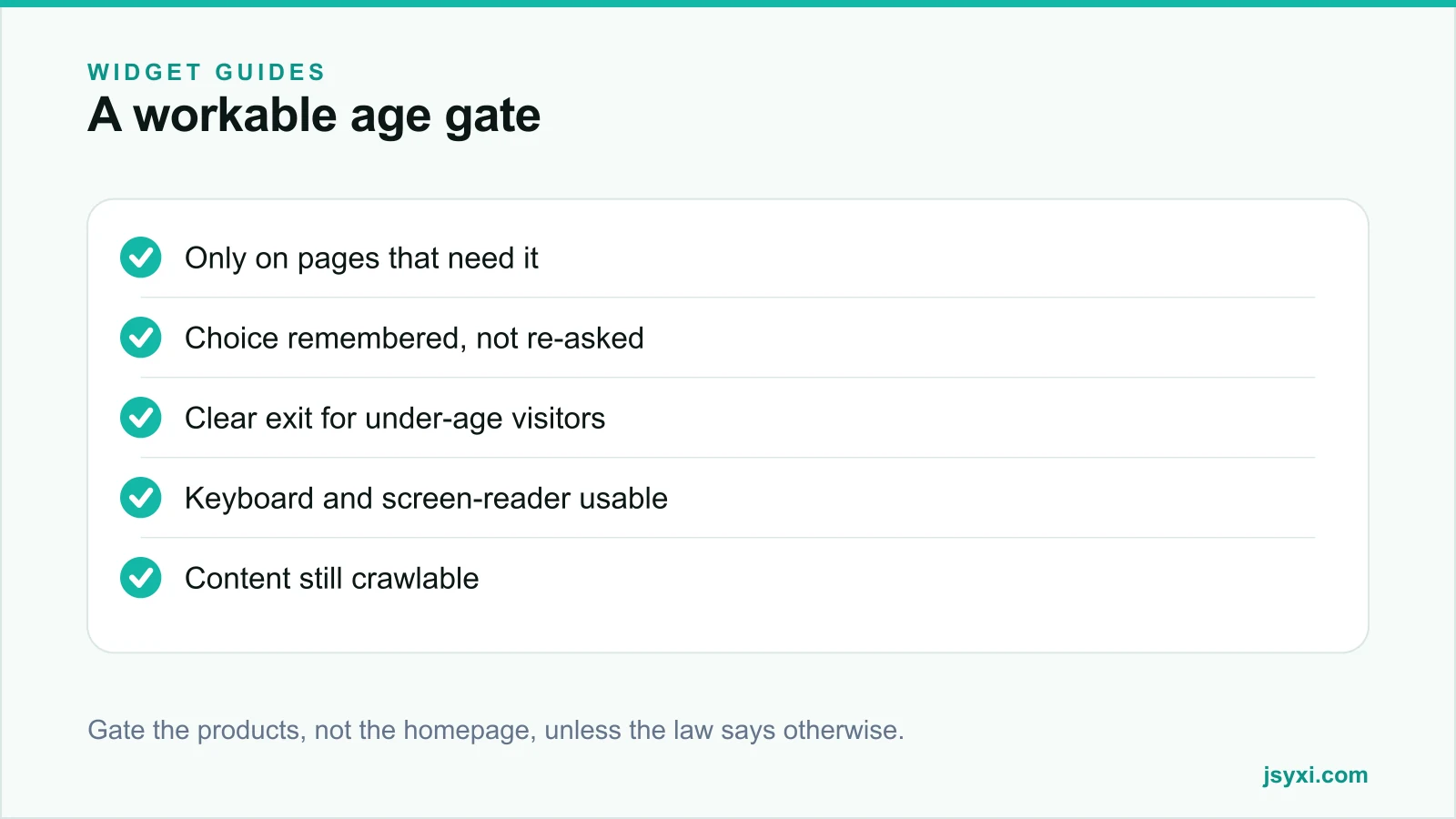
The instinct is to gate the homepage. That is usually the most expensive choice and often not required.
Prefer, in order:
- Gate only restricted product and category pages. Everything else - about, contact, blog, delivery information - stays open.
- Gate at add-to-cart if the rule allows it, so browsing is unrestricted.
- Gate the whole site only when the category or jurisdiction genuinely requires it.
A site-wide gate blocks people looking for your phone number, your address, and your careers page, none of which needs protecting.
Step 3: Design the gate itself
The Age Verification widget provides a configurable gate. Set it up carefully:
- State why. One line: "You must be 21 or over to view this section."
- Ask once, clearly. A date-of-birth entry or a yes/no confirmation, not a puzzle.
- Give a real exit. The "no" path must go somewhere sensible - a general page, or an explanation - not a dead end or a loop.
- Do not pre-fill or default to yes.
- Match your brand so it does not look like a phishing interstitial.
- Keep it small - it should not require scrolling on a phone.
Follow the embed snippet guide to place it.
Step 4: Remember the answer
Re-asking on every page turns a legal requirement into a usability disaster:
- Store the confirmation for a reasonable period
- Do not re-prompt within the same session
- Re-ask after a sensible expiry, or when the visitor changes region if age limits differ
- Make sure the stored flag survives navigation between category pages
If you set a cookie or storage entry for this, mention it in your cookie policy. Whether it counts as strictly necessary depends on your jurisdiction; a gate required by law is usually treated as necessary, but check.
Step 5: Keep it accessible
A modal that blocks the page must be usable by everyone:
- Move focus into the dialog when it opens
- Trap focus inside it while open
- Label the dialog and its controls properly for screen readers
- Ensure it works at 200 per cent zoom and with a keyboard alone
- Never rely on colour alone to indicate the actions
An inaccessible gate does not just exclude people - it can create its own compliance problem. See our accessibility checklist.
Step 6: Do not block search engines from your content
A badly implemented gate can make your site invisible:
- Server-rendered content should remain in the HTML, with the gate as an overlay, rather than the page being empty until confirmation
- Do not redirect crawlers to a gate page that contains no content
- Do not serve different content to crawlers than to users - that is cloaking
- Check the rendered page in a search console URL inspection tool after launch
If your product pages disappear from search after adding a gate, the gate is removing the content rather than overlaying it.
Common mistakes to avoid
- Gating the entire site by reflex. Gate what the rule covers.
- Re-asking on every page. Store the answer.
- A dead-end "no" path. Send under-age visitors somewhere real.
- Treating a self-declared gate as verification. They are different obligations.
- An overlay that traps keyboard focus incorrectly. Test with the Tab key only.
Frequently asked questions
Does an age gate actually stop under-age visitors?
A self-declared gate does not prevent anyone determined. It documents that you asked, which is what most category rules require at the browsing stage. Genuine verification, where required, happens at checkout or delivery.
Will an age gate hurt my SEO?
It will if it replaces your page content rather than overlaying it. Keep the content server-rendered in the HTML with the gate as an overlay, and verify with a URL inspection tool that the page still renders for crawlers.
Should the age gate cover my whole site?
Only if your category and jurisdiction require it. Gating just the restricted product and category pages preserves traffic to your contact, delivery, and content pages.
How long should the confirmation be remembered?
Long enough that a returning visitor is not re-prompted during normal browsing - typically the session at minimum, and often up to thirty days. Re-ask when the region or applicable age limit changes.
Next steps
Confirm which pages your category actually requires you to gate, implement the narrowest gate with the Age Verification widget, store the answer, and verify with a URL inspection that your product pages still render for search engines.
Start free and add a gate that does not cost you the rest of your traffic.